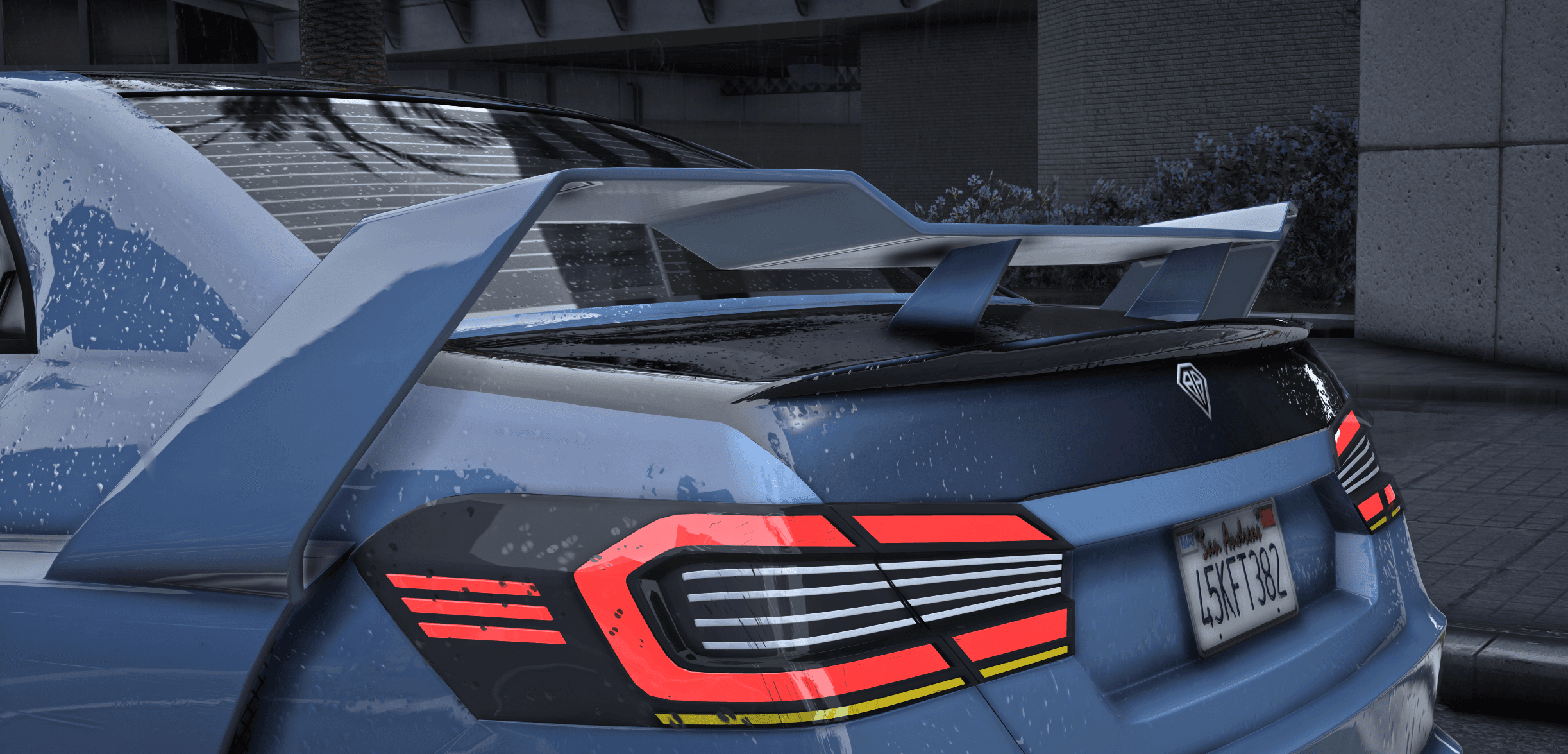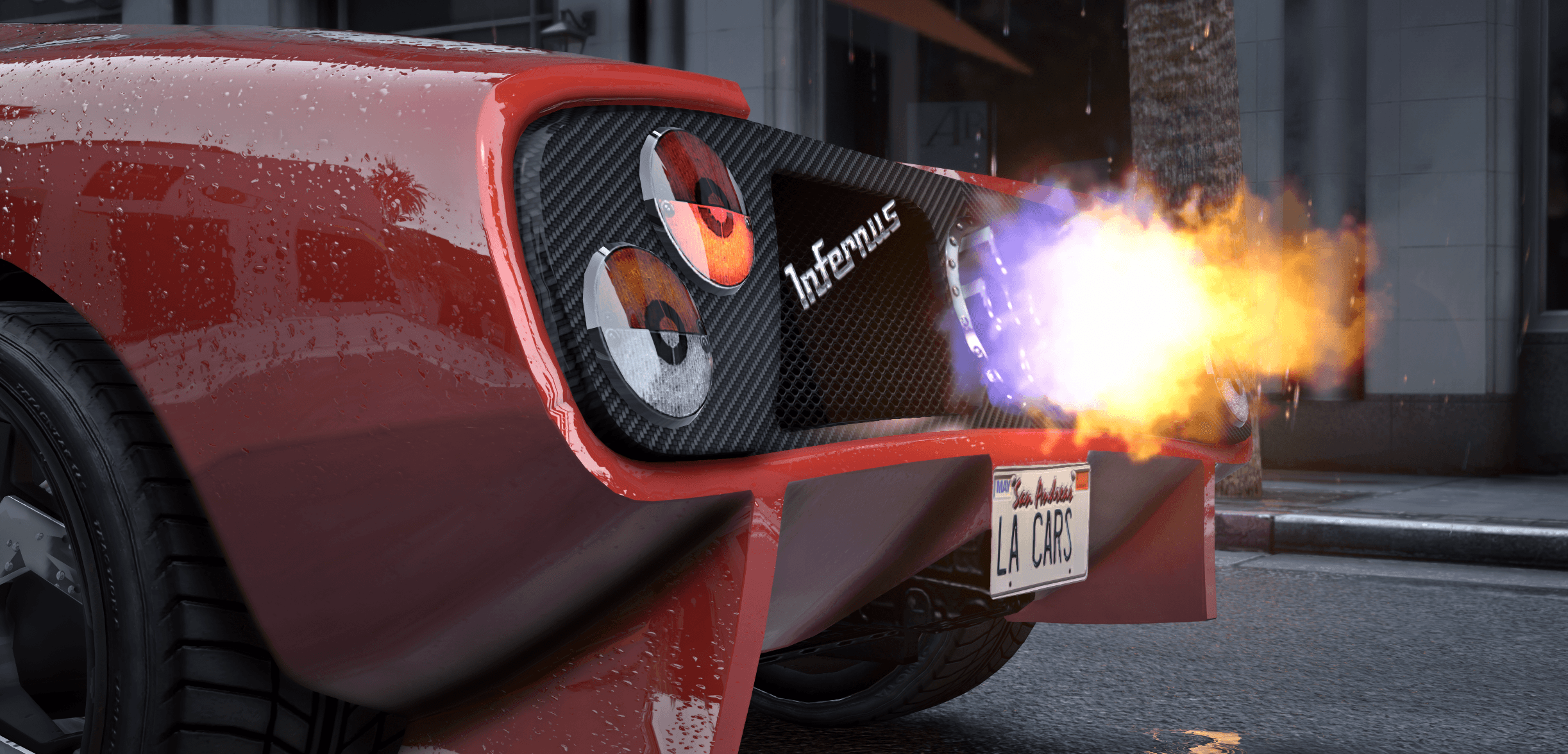

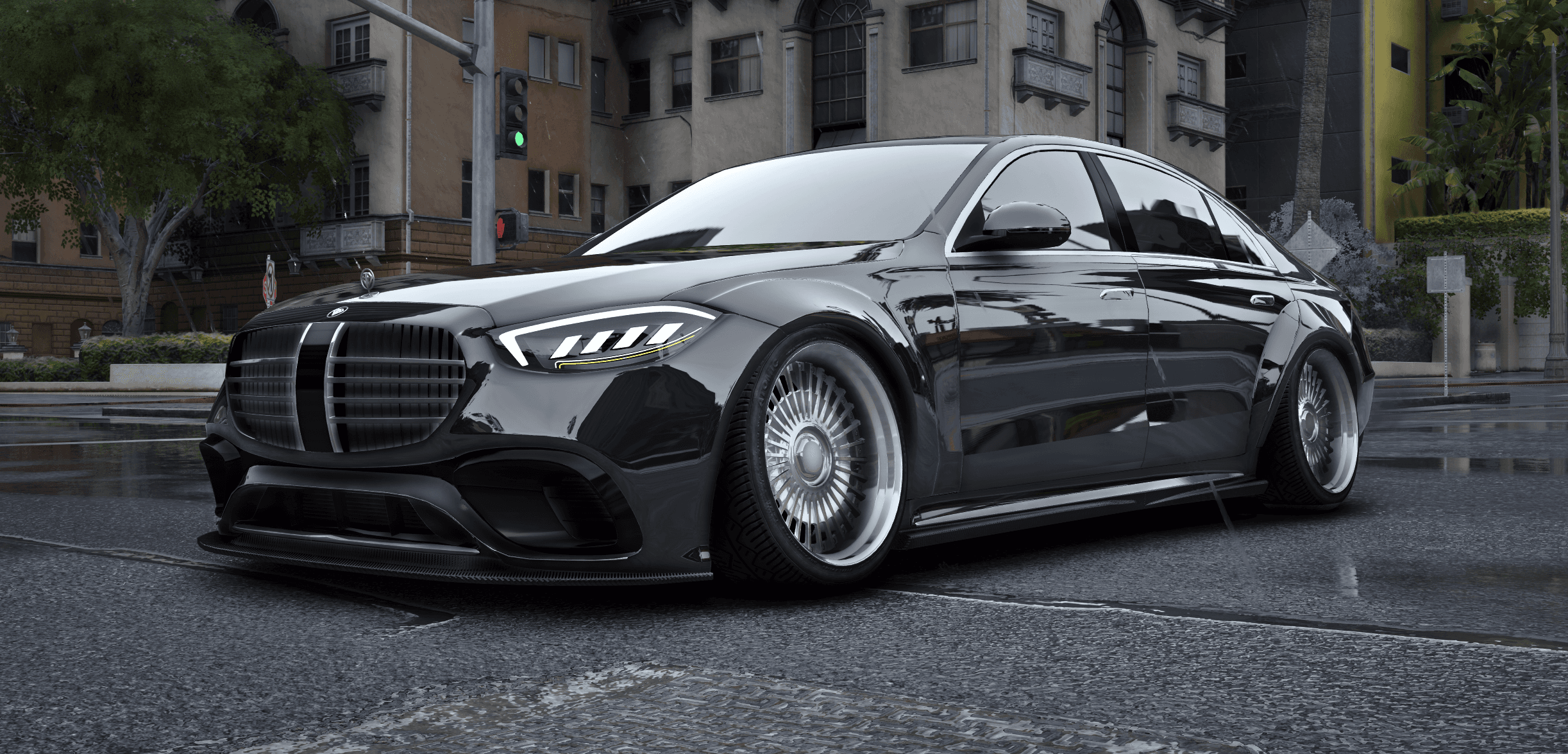
How to Install Vehicles on Your FiveM Server
Installing custom vehicles on your FiveM server is simple if you follow the correct structure. This guide walks you through every step, including common mistakes and best practices used by professional servers.
1. Download and Extract Files
After purchasing or downloading your vehicle, you will receive a .zip file. Extract this file using tools like WinRAR or 7-Zip.
Inside the extracted folder, you will typically find:
- A vehicle folder (the resource)
- Stream folder with .yft and .ytd files
- meta files (handling.meta, vehicles.meta, carcols.meta, etc.)
2. Upload to Your Server
Navigate to your server directory. Open the following path:
resources/
Copy the entire vehicle folder into this directory. Do not rename files unless necessary.
Example structure:
resources/
└── my_vehicle/
    ├── stream/
    ├── data/
    └── fxmanifest.lua
3. Add Resource to server.cfg
Open your server.cfg file. Add the following line:
ensure my_vehicle
Replace my_vehicle with the exact folder name.
4. Restart Your Server
Restart your server completely. Alternatively, use the refresh command in your server console:
refresh
ensure my_vehicle
5. Spawn the Vehicle In-Game
Use a vehicle spawner or admin menu to spawn the car using its spawn name. The spawn name is defined in the vehicles.meta file.
Common Issues and Fixes
- Vehicle not spawning: Check spawn name and server console errors
- Textures missing: Ensure .ytd files are in the stream folder
- Vehicle invisible: Usually missing or broken .yft file
- Handling issues: Verify handling.meta is loaded correctly
Best Practices
- Keep resource names clean and lowercase
- Avoid spaces in folder names
- Group vehicles into categories (police, civilian, EMS)
- Test each vehicle after installation
Pro Tip
Grouping related vehicle resources can make them easier to manage. Measure performance on your own server after adding vehicles; combining files alone does not guarantee a performance improvement.
Conclusion
After installing a vehicle, check that it spawns correctly and test its textures, handling and sound. Browse FiveM vehicles from LA Cars or contact support if you need help with a purchased resource.